Free shipping on qualifying ordersDelivery in 6–15 Business DaysPortable Storage Pick30-Day Return

Portable storage for everyday files

Portable External Storage Drive for Phone & Computer File Backup

Prezzo di vendita $27.99 -50% Prezzo normale $55.98
Prezzo normale $27.99
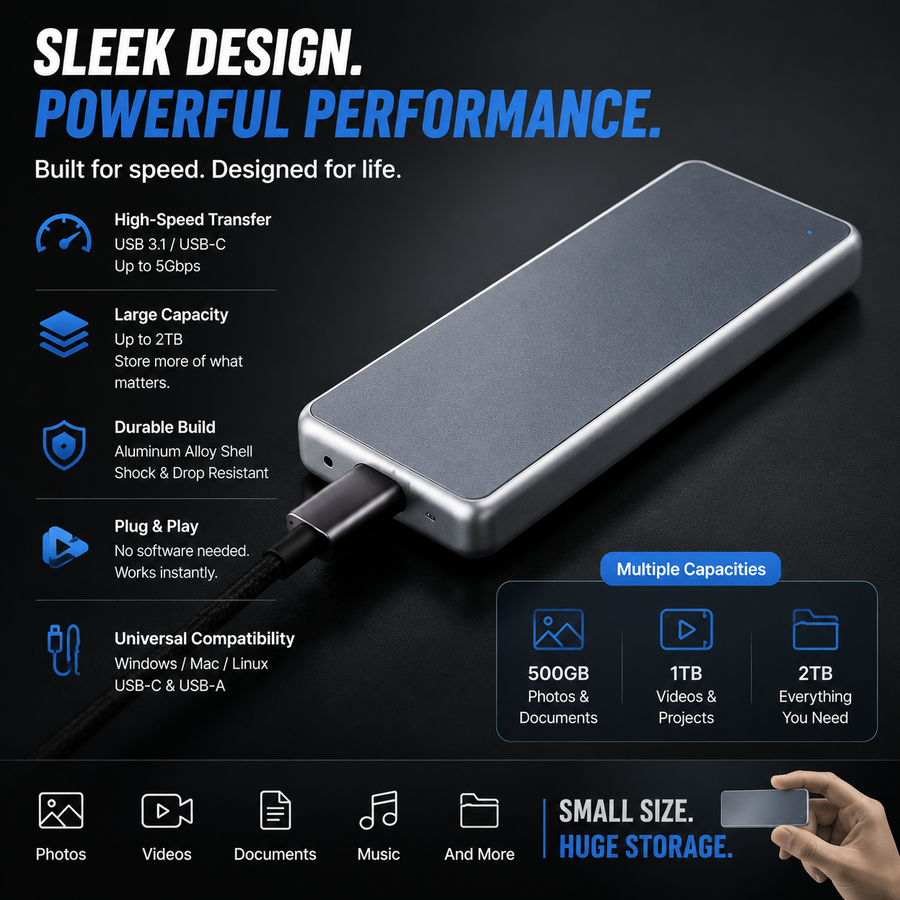
✓ Wide Compatibility — Check Before Ordering
✓
Windows & Mac Windows 11 / 10 / 7 and macOS
✓
USB 3.0 / USB-C USB 3.0 Micro-B & USB 3.1 Type-C (Gen 1)
✓
Computer & Smart TV Desktops, laptops & USB-enabled Smart TVs
✓
Android & iOS Compatibility depends on device port & setup
Phone users: Android requires OTG support. A compatible cable or adapter may be required.
Quick capacity guide 1TB costs only slightly more than 500GB. Choose 2TB for a balanced everyday option, or 16TB for larger photo and video libraries.
Specification:
Tracked delivery6–15 business days
30-day returnSee return policy
Order supportHelp when needed
Bundle optionsKeep a second backup copy
Choose quantity

Selecting a set updates the cart quantity automatically.

A smarter way to get it done

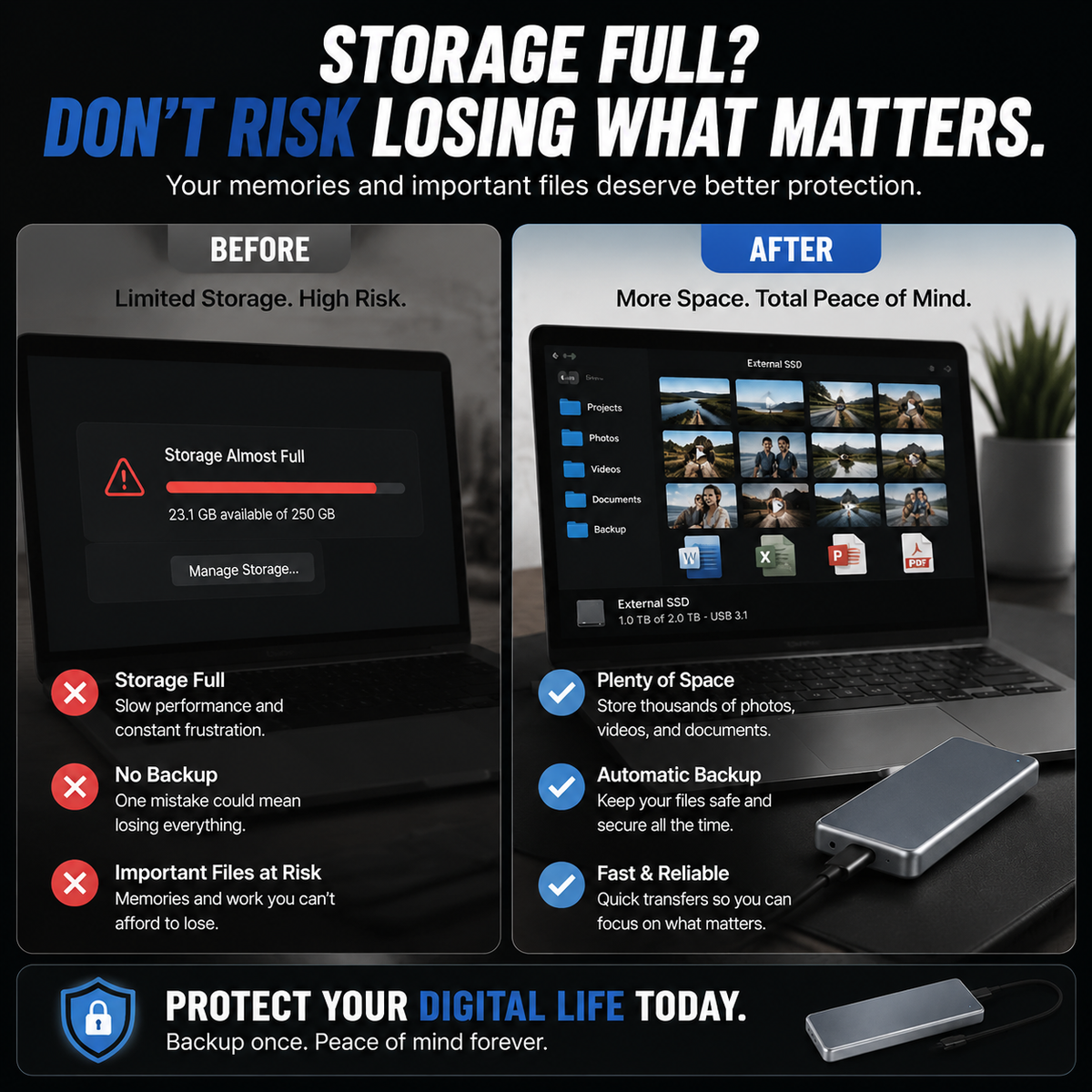
Move Photos and Files Off Your Device—and Keep Them Close

A pocket-size external storage option for compatible phones, tablets and computers. Choose your capacity, transfer the files you want to keep, and maintain a separate backup for important memories.

Choose your option Returns to the product options at the top of this page
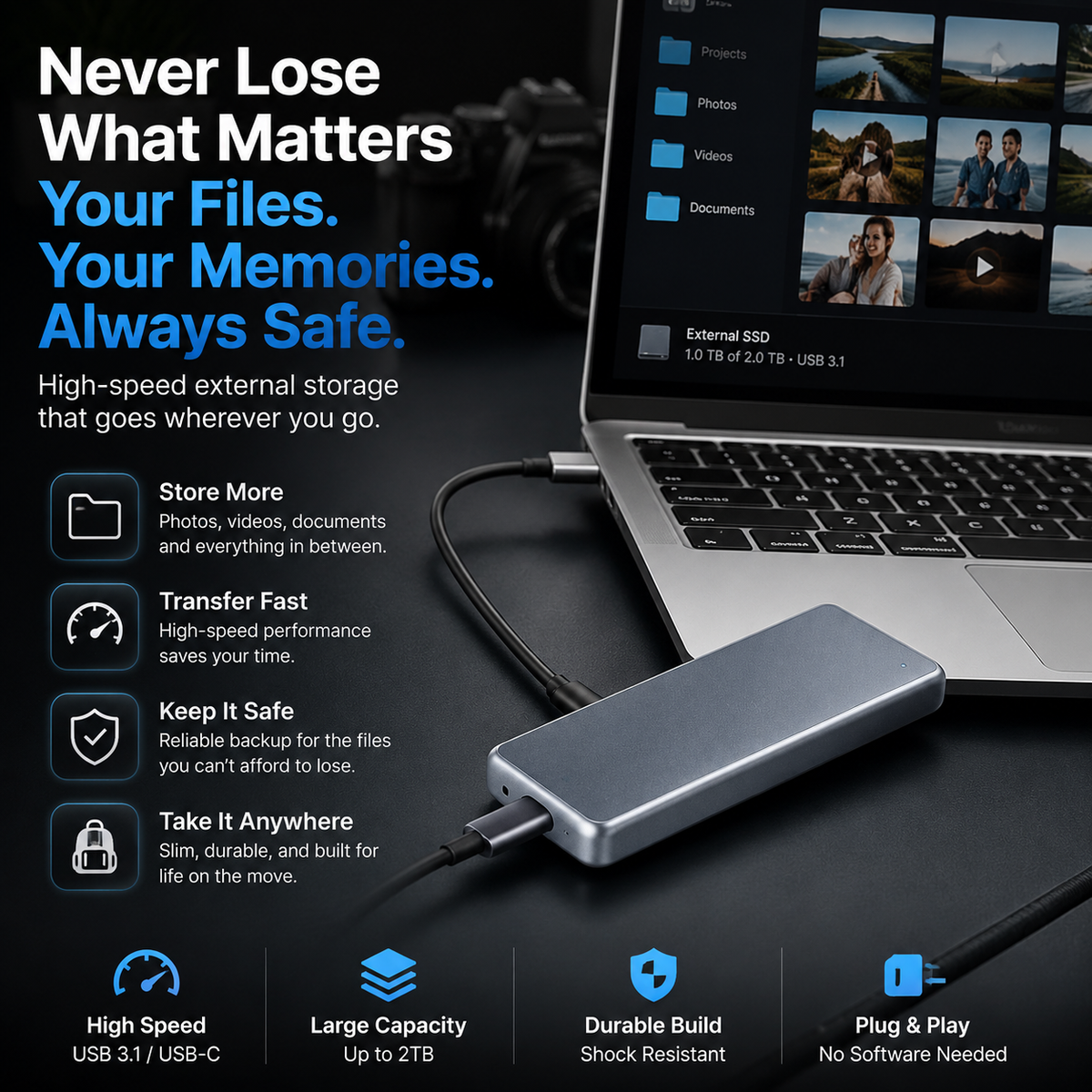
Move Photos and Files Off Your Device—and Keep Them Close

What changes for you

Three practical reasons it works

Free up everyday device space by moving larger photo, video and document folders.

Carry selected files in a compact format instead of relying only on one phone or computer.

Create an additional backup location for memories and documents that would be difficult to replace.

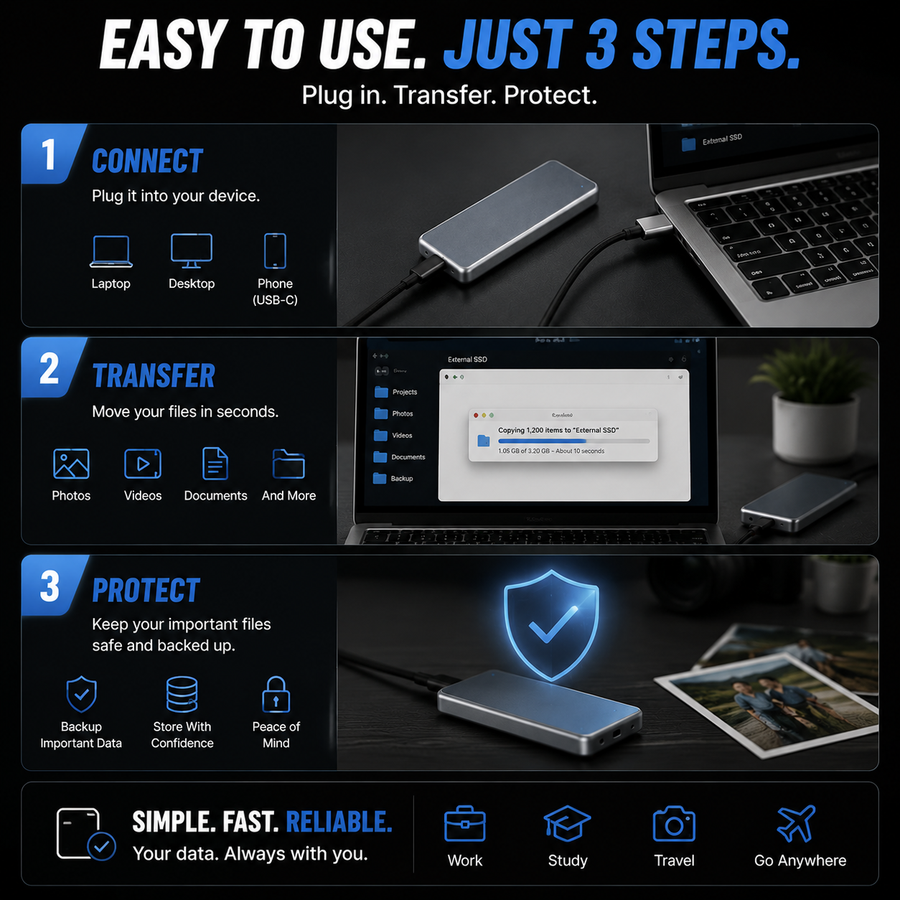
Connect. Transfer. Keep a Second Copy.

See how it works

Connect. Transfer. Keep a Second Copy.

Confirm that your device supports external storage and that the connector shown matches your port.

Connect the drive, allow access if your device asks, then copy the photos, videos or documents you want to keep.

Wait for transfers to finish and use the device’s eject or safely-remove option before disconnecting.

Made for real routines

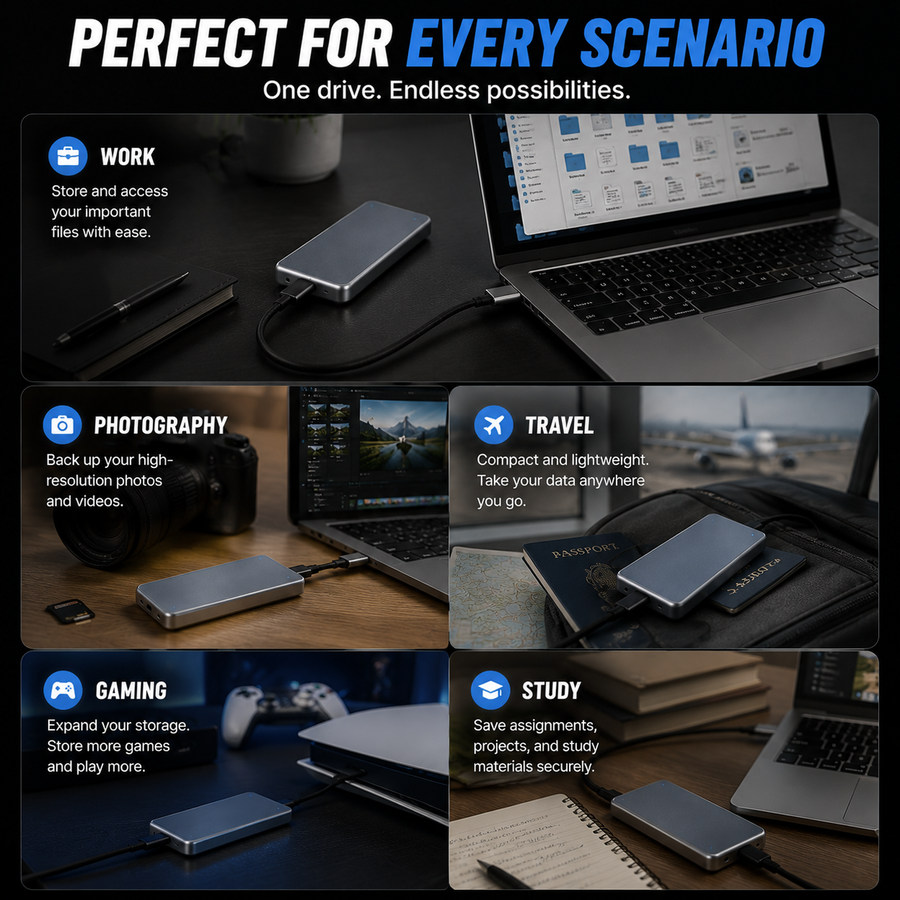
Useful in more than one situation

Family photos and videos

Family photos and videos

Travel and everyday carry

Travel and everyday carry

Work and school files

Work and school files

Simple steps

How to get the best result

1. Check your device port, operating system and external-storage support before ordering.

2. Choose a capacity based on the files you actually keep; usable space is normally lower after formatting.

3. Connect the drive and copy files after your device recognizes it.

4. Keep important files in more than one location and eject the drive safely after each transfer.

Before you choose

A clearer comparison

A physical copy you can carry and access locally after files have been transferred.

No recurring storage subscription is required for the drive itself.

Capacity, compatibility and transfer speed remain dependent on the selected model and connected device.

Know what arrives

What is included

One portable external storage drive in the selected advertised capacity.

Connector or accessories exactly as shown for the selected option in the product images.

Access to order support and the store’s 30-day return policy.

Common questions

Questions before ordering

Will it work with my phone or tablet?

Compatibility depends on the device model, operating system, connector, power support and file system. Check your device specifications before ordering.

Why is usable capacity lower than the option label?

Manufacturers and operating systems calculate capacity differently, and formatting also uses some space. The option label is the marketed capacity.

How fast will files transfer?

Speed varies with the device port, cable or adapter, file size, system workload and selected model. A fixed transfer rate is not promised.

Can this be the only copy of my important files?

No single drive should be the only copy of an irreplaceable file. Keep another copy in a separate location.

How should I disconnect it?

Wait for transfers to finish, then use your device’s eject or safely-remove function when available.

Choose with confidence

Choose the capacity that fits your everyday files

Review the available product options above and select the version that best fits your needs.

Choose your option

Recommendations